-
Recipe for Second Chances–a quick review
Super cute, fun, and light read. Stella and Samuel met in college while not in the right space for a relationship. A few years later, they meet again at a destination wedding in Italy for mutual friends. As predicted, they kept getting thrown together during the wedding events. Hilarity and mouthwatering recipes ensue. While the…
-
Summertime
This summer has flown by! I had four weeks off in June, but one of those weeks, I was in Louisville for the National TSA Conference, which was my first time at a conference without a chapter. It was very odd. I felt like I was missing something the entire time! I stayed at the…
-

A year of Diptychs…so far
This year I decided to step out of my comfort zone and do a weekly challenge on Instagram. I figured it would be good for my creativity. For the most part, I’ve shot during the week specifically to make a diptych, but sometimes I’ve pulled from my archives to put the two photos together. I’ve…
-
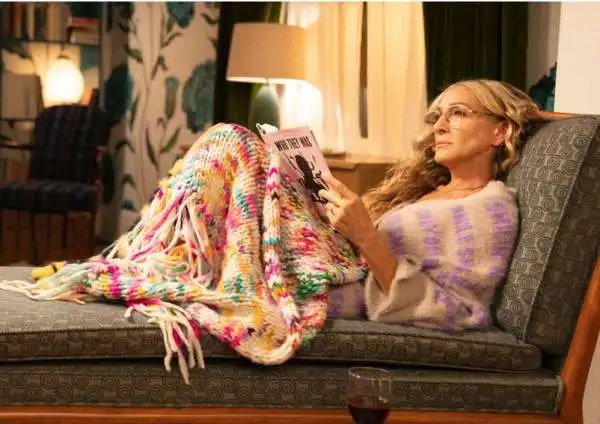
Confession…..
I never watched the original Sex and the City. Several reasons, the main one being that when they were originally, on, I didn’t have HBO. Heck, we barely had cable. The second reason was that I was a twenty-six-year-old mom with a four-year-old, in the middle of Central Louisiana, far from the bright lights of…
-
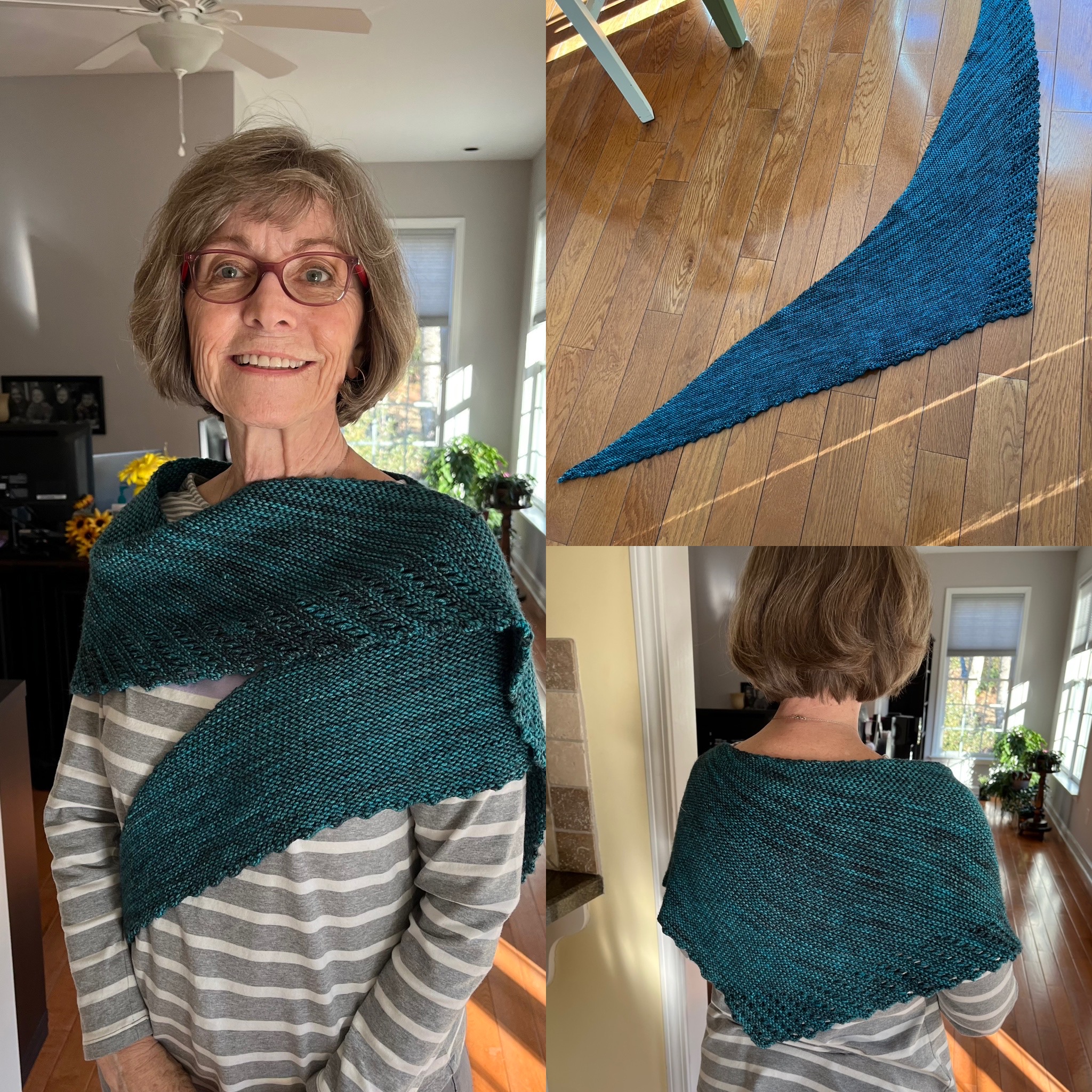
Happy New Year I’ve been knitting!
Happy New Year! I know we say this every year, but I can’t believe that the last year flew by. I had lots of personal changes, all good in 2022, which is definitely an improvement from the previous three years. I’ve also picked up my knitting needles again, and knitted this lovely wrap for my…
-
Hurricane Ian, the aftermath
I don’t know where to begin. Relief that Ian didn’t hit directly as first thought and despair that it slammed into the coast about an hour and a half south of us as a Category 4 hurricane. I saw someone post that Sanibel Island and Ft. Myers Beach are decimated as is Ft. Myers and…
-
Hurricane Ian
Not going to lie, this one is giving me lots of stress and anxiety.
-
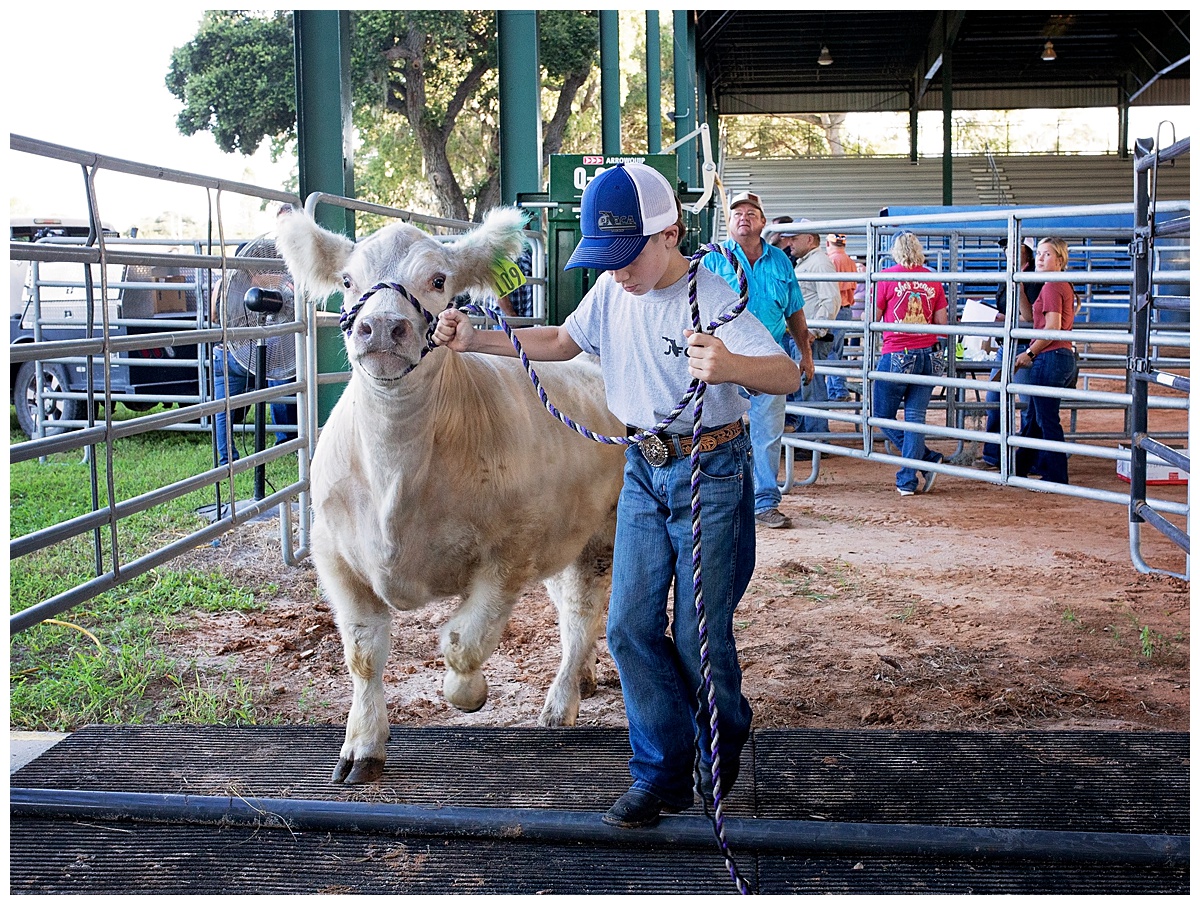
Moooooooooo!
As part of my new job with the school district, I get to see all aspects of our Career and Technical education departments. One of the things that I am looking forward to is learning about all of the Career and Technical Student Organizations that our county offers. I got started in CTE through my…
-
Project 365 Month 1
I managed to complete an entire month of my Project 365! Can I make it through month two?!
-
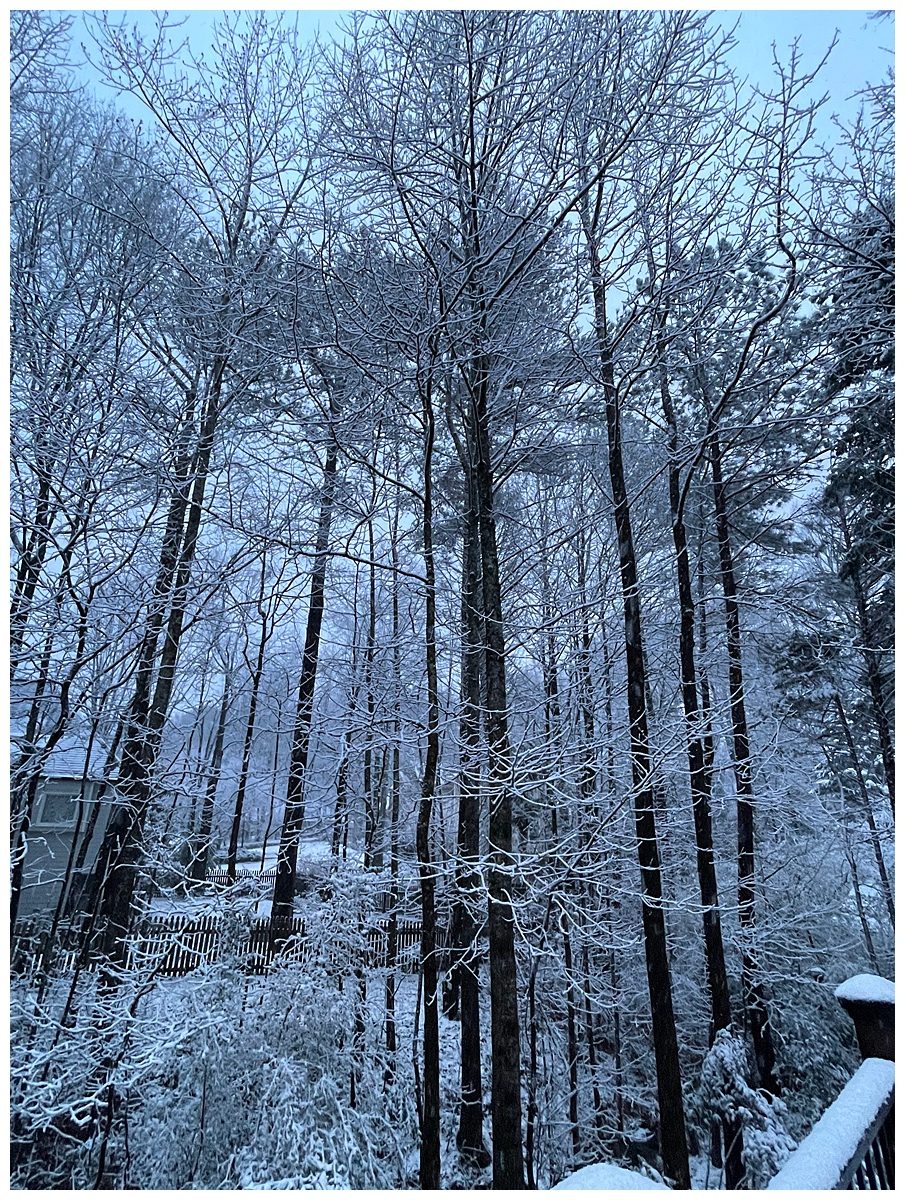
A Snowy Sunday Part II
I had meant to post this earlier in the week, but the time got away from me. Last weekend we were in Atlanta and on Sunday, it ended up snowing! It started around 10:00 and snowed the rest of the day. We started off the day by going to Warm Waves Coffee. They were only…
Got any book recommendations?